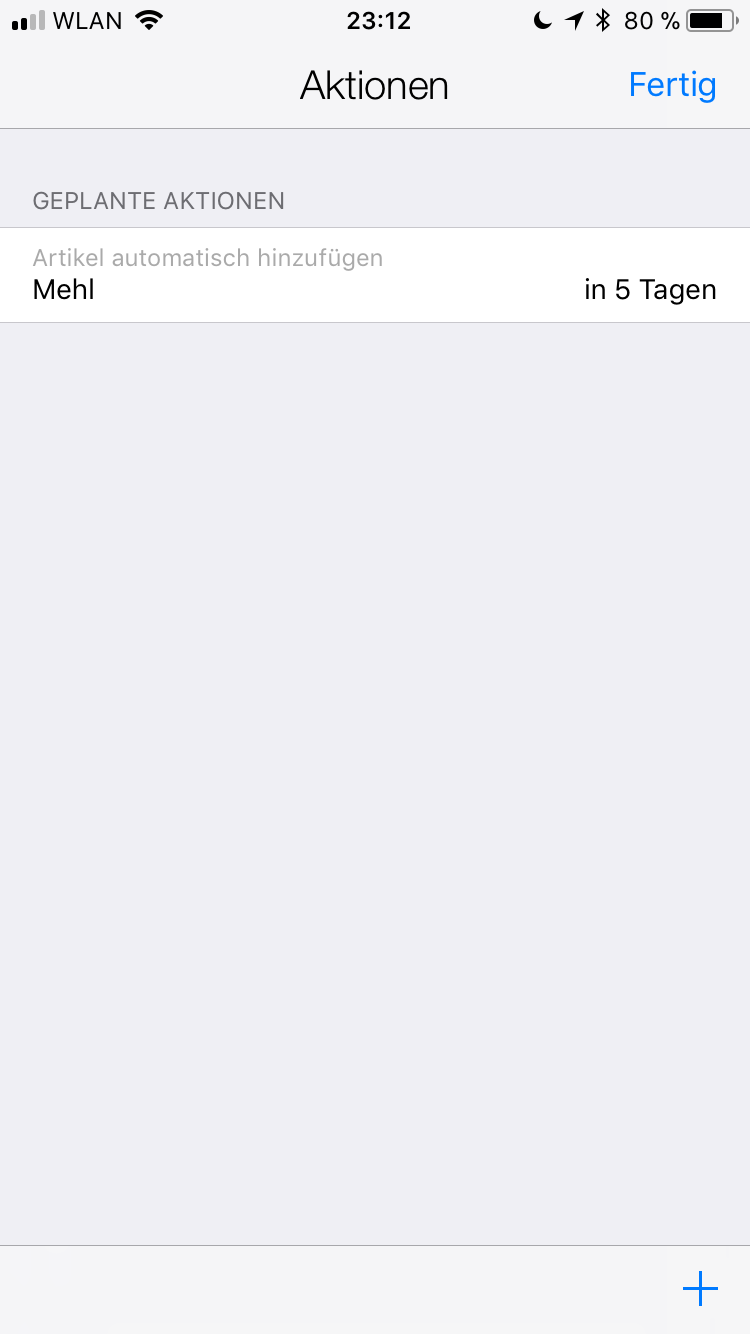
Tip: How does ”Add automatically” for items work?
pon can now put items back on your shopping list automatically. In the item details, under actions, activate the “Add automatically” action, e.g. “5 days after purchase”. Now add the item to your shopping list as usual. When you check the item off at the supermarket, the action is activated. You can see this by the bell icon at the bottom left of your shopping list. As soon as the 5 days are up, the item is put back on your shopping list – you don’t need to do anything else. When you check the item off again, automatic adding is activated again
Your shopping list now almost writes itself. Try it out 😉
!!!